Batocera.linux — Features, Setup & Handheld Compatibility
Batocera.linux is one of the most venerable and comprehensive dedicated retro gaming operating systems in existence. Originally forked from Recalbox in 2016, Batocera is engineered to boot directly from a USB flash drive or micro-SD card without modifying the host computer's internal storage.
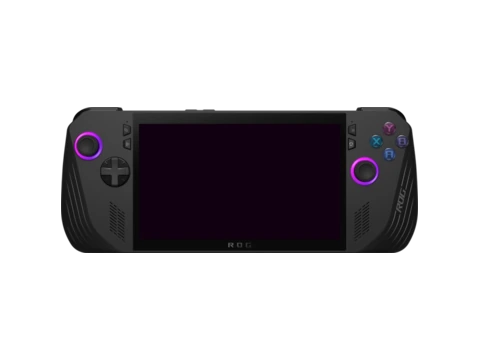
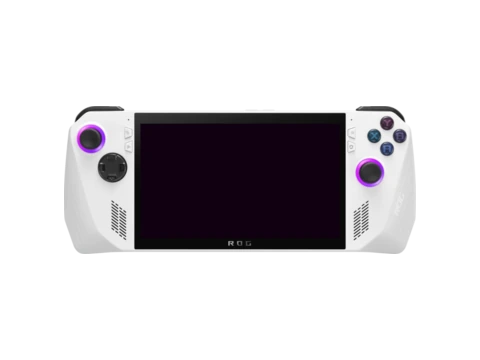
In portable gaming, Batocera has become a favorite operating system for PC gaming handhelds (Steam Deck, ASUS ROG Ally, Lenovo Legion Go, AYANEO) and DIY single-board computer kits. Players can boot Batocera from a micro-SD card to transform their handheld PC into a dedicated retro console with zero configuration.
Batocera comes bundled with drivers for hundreds of controllers, automated shader and bezel configurations, an integrated media scraper, and full support for high-end emulators including RPCS3, PCSX2, Dolphin, and Cemu.
Key Features & Capabilities
- Complete plug-and-play retro gaming operating system that boots from USB drive or SD card
- Out-of-the-box support for over 150 retro systems and computer architectures
- Built-in driver support for virtually all modern and retro game controllers
- Automated scraper, retro bezels, AI game translation, and Netplay support
- Kodi Media Center integrated directly into the system menu
- Syncthing and cloud save integration for cross-device synchronization
Default Hotkeys & Navigation Shortcuts
Standard button combinations in Batocera.linux across supported handhelds:
- Hotkey + Start: exit emulator
- Hotkey + South: open RetroArch Quick Menu
- Hotkey + R1: save state; Hotkey + L1: load state
Architecture & System Design
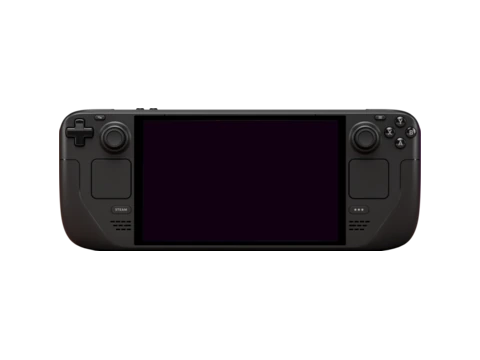
Batocera is a specialized, lightweight Linux distribution compiled using Buildroot. It uses an immutable squashfs root filesystem with a persistent `SHARE` partition for ROMs, saves, and BIOS files. Graphics are rendered through modern Mesa drivers (RADV for AMD, ANV/Iris for Intel, and Panfrost/V3D for ARM), ensuring high framerates and low overhead.
Installation & Storage Setup
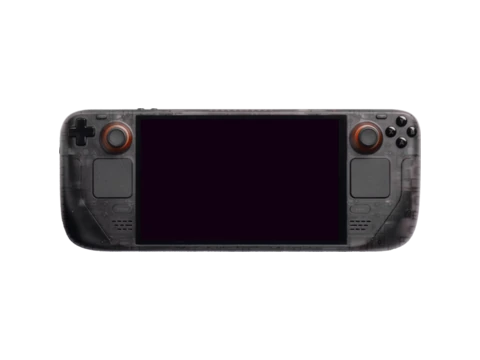
Installation is performed by flashing the official image with BalenaEtcher. When inserted into a Steam Deck or PC handheld, pressing the boot-order hotkey at startup launches Batocera instantly. Network scraping, bezels, and RetroAchievements can be toggled in the system menu with a single button press.
Compatible Gaming Handhelds (66 Devices)
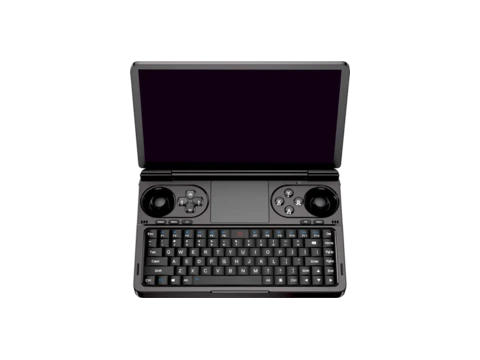
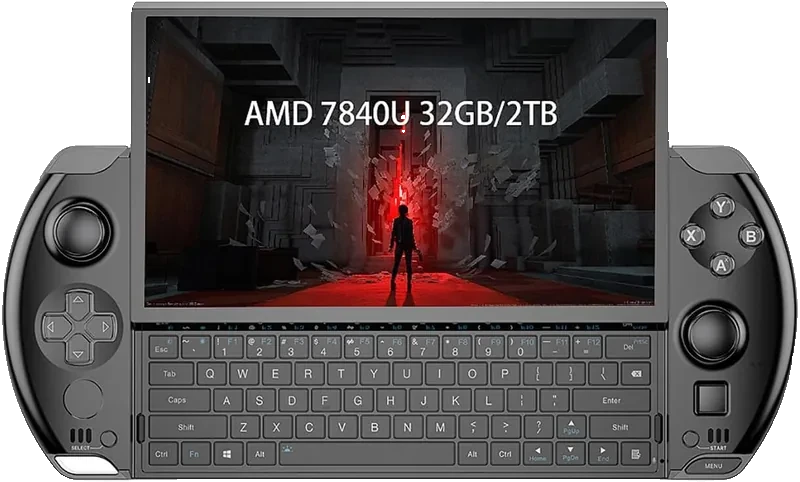
Gaming handhelds verified to run Batocera.linux or officially supported by the community: