MinUI — Features, Setup & Handheld Compatibility
MinUI, crafted by game designer and programmer Shaun Inman, is an acclaimed minimalist custom launcher and operating system for retro handhelds. Rejecting the visual noise of scraping databases, video snaps, and complex RetroArch menus, MinUI presents a clean, distraction-free typography interface that puts pure gameplay front and center.
MinUI replaces fragmented emulator interfaces with a single, universally standardized in-game menu: pressing the menu button brings up an elegant overlay with identical Save, Load, Controls, and Exit options across every single console generation.
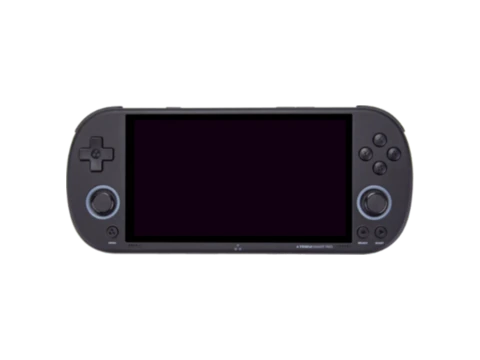
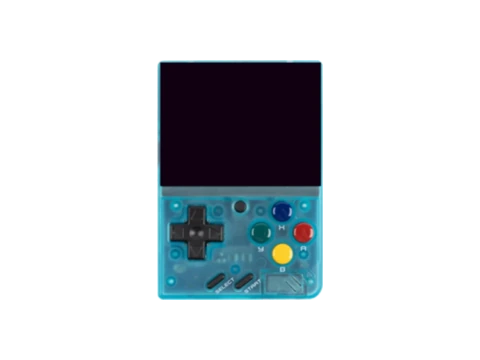
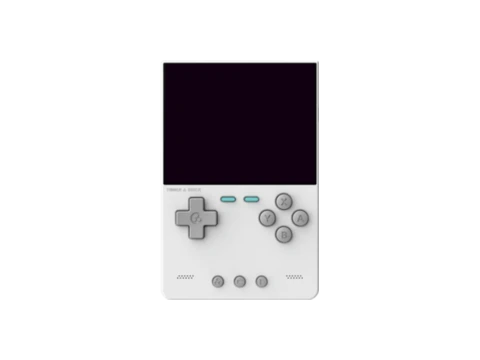
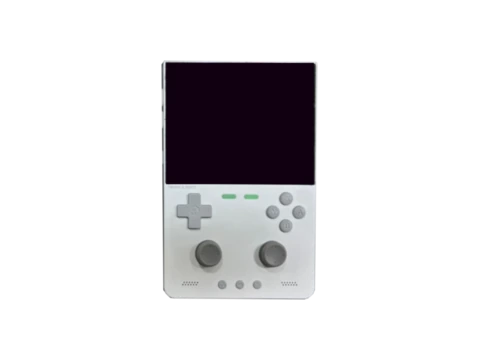
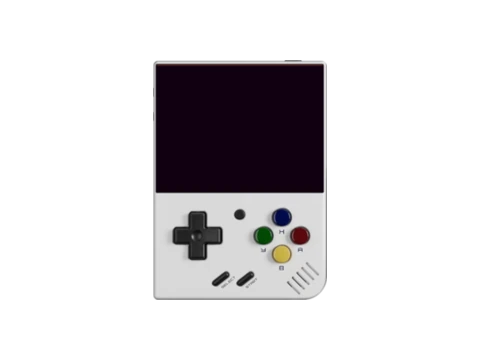
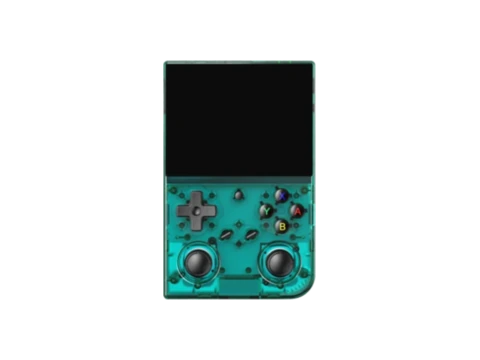
Remarkably portable, MinUI runs on an extensive variety of handhelds—including the TrimUI Model S, TrimUI Smart Pro, Miyoo Mini, Anbernic RG35XX, and Powkiddy RGB30—allowing players to swap the exact same SD card between different devices seamlessly.
Key Features & Capabilities
- Strict minimalist aesthetic: no box art, no video previews, no background music, zero distraction
- Universal in-game menu: uniform save state, load state, and volume controls across all emulators
- Instant sleep and resume: auto-saves game state on power down and resumes instantly
- High portability: identical UI and SD card structure across Miyoo Mini, TrimUI Smart Pro, RG35XX, and RGB30
- Extreme battery efficiency: runs on minimal kernel overhead with low CPU consumption
Default Hotkeys & Navigation Shortcuts
Standard button combinations in MinUI across supported handhelds:
- Menu button: universal MinUI options menu (Save, Load, Options, Exit)
- Power button: instant sleep or safe shutdown with auto-save
- Volume buttons: universal on-screen volume indicator
Architecture & System Design
MinUI is built with a bespoke C rendering engine that blits directly to the framebuffer using custom anti-aliased bitmap fonts. Emulators are compiled as self-contained standalone execution targets rather than bloated RetroArch packages, eliminating hundreds of megabytes of overhead and ensuring sub-second launch times.
Installation & Storage Setup
Installing MinUI requires copying its base files onto a FAT32-formatted SD card. ROMs are placed in clearly labeled uppercase folders (`/Roms/Game Boy Advance (GBA)`). Users can customize color palette themes (including light, dark, and classic game boy themes) via simple text configurations.
Compatible Gaming Handhelds (19 Devices)
Gaming handhelds verified to run MinUI or officially supported by the community: