OnionOS — Features, Setup & Handheld Compatibility
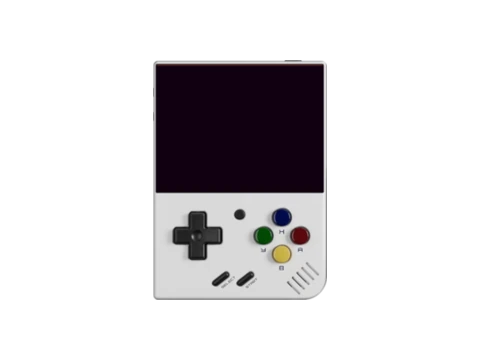
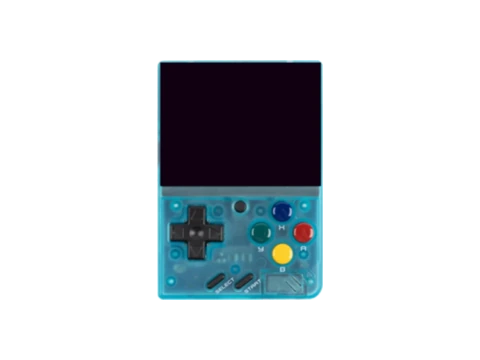
OnionOS is a critically acclaimed open-source custom operating system and frontend built specifically for the Miyoo Mini and Miyoo Mini Plus handheld consoles. Conceived in early 2022 to replace Miyoo's rudimentary stock software, Onion transformed the ultra-compact SigmaStar SSD202D-powered device into a premier pocket retro gaming platform.
Onion's defining innovation is its seamless 'Game Switcher' multitasking architecture: pressing the central menu button instantly captures a freeze-frame save state and drops the player into a visual card-based carousel of recent titles. Players can effortlessly swap between PlayStation 1, Game Boy Advance, and SNES games with sub-second resumption and zero manual menu navigation.
Beyond launcher enhancements, Onion replaces stock emulator binaries with carefully tuned RetroArch cores, implements clean CPU clock governors, and incorporates an integrated Package Manager allowing users to install standalone ports, media players, and community utilities over Wi-Fi.
Key Features & Capabilities
- Game Switcher: instant task switching between active game states
- Auto-save on power off and auto-resume on power on
- Onion Package Manager: modular installation of emulators, ports, and tools
- RetroAchievements integration with Wi-Fi dongle or built-in WLAN
- Custom themes, icon packs, and curated overlay borders
- Activity Tracker: detailed play time logging per game and per console
Default Hotkeys & Navigation Shortcuts
Standard button combinations in OnionOS across supported handhelds:
- Menu button (short press): launch Game Switcher / quick menu
- Menu + Power: immediate safe shutdown with automatic state save
- Menu + Volume Up/Down: screen brightness adjustment
- Menu + Select: toggle RetroArch in-game menu
- Menu + R1: save state slot save; Menu + L1: load state slot restore
Architecture & System Design
Onion operates on top of the Miyoo Linux kernel, employing a lightweight userspace stack that bypasses heavy desktop windowing managers. The primary UI engine (MainUI) interacts directly with the Linux framebuffer (`/dev/fb0`), achieving instantaneous UI responsiveness and minimal input lag.
State persistence is managed via custom hook scripts that listen for kernel power button events. Upon detecting a shutdown trigger, Onion sends an immediate pause and state-save signal to the running RetroArch process, commits the save state and screenshot thumbnail to the micro-SD card, and performs an orderly unmount of storage partitions before cutting power to the display and battery regulator.
Installation & Storage Setup
Installation is performed by formatting a high-speed micro-SD card to FAT32 or exFAT and extracting the Onion release archive to the root directory. On first boot, the built-in Package Manager walks the user through core selection.
For optimal battery life on the Miyoo Mini Plus, users can enable automatic Wi-Fi timeout when disconnected from RetroAchievements. The Activity Tracker automatically compiles gameplay analytics into SQLite databases accessible directly on-device or exported to desktop tools.
Compatible Gaming Handhelds (4 Devices)
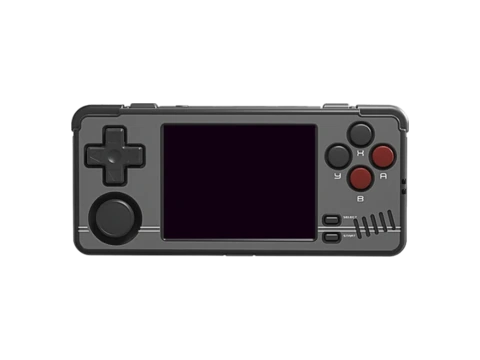
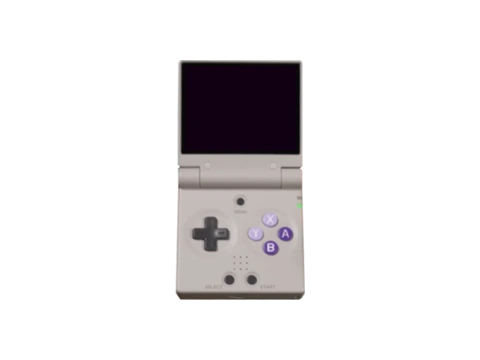
Gaming handhelds verified to run OnionOS or officially supported by the community: