Daijishō — Features, Setup & Handheld Compatibility
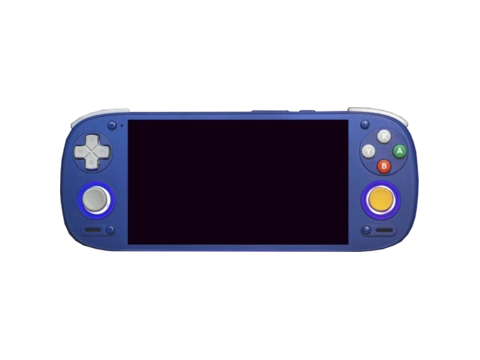
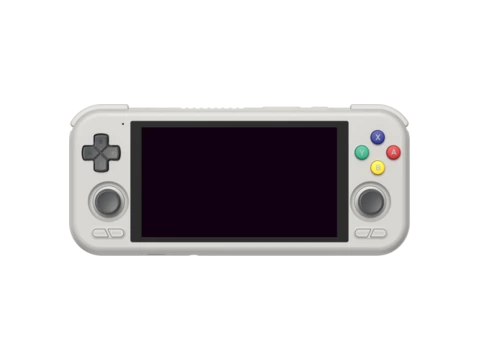
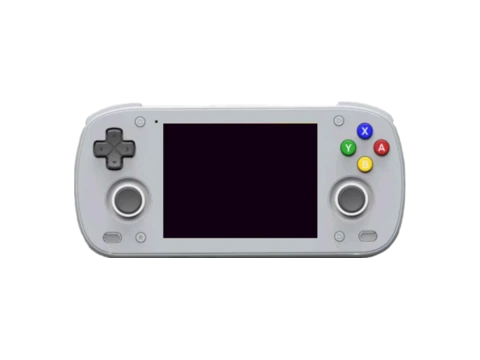
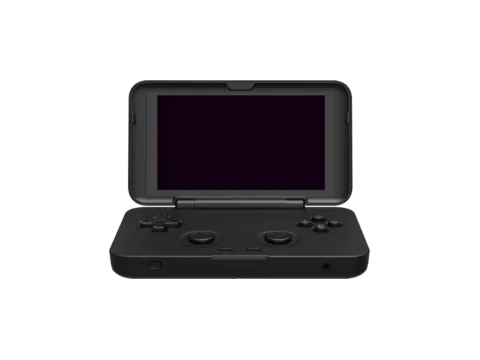
Daijishō is the beloved open-source retro gaming launcher that transformed Android-based gaming handhelds from cumbersome touchscreen devices into cohesive dedicated gaming consoles. Powering thousands of AYN Odin, Retroid Pocket, and Anbernic Android portables, Daijishō provides a clean, controller-navigated interface reminiscent of modern game consoles.
Android retro gaming was traditionally burdened by the need to open disparate emulator apps individually. Daijishō solved this by aggregating all ROMs into a single unified library, automatically launching the correct emulator (RetroArch, NetherSX2, Dolphin, DuckStation, PPSSPP) via Android intent hooks.
With deep RetroAchievements integration, built-in scrapers, and a vibrant community theme ecosystem, Daijishō remains one of the most widely used Android retro frontends in the world.
Key Features & Capabilities
- Purpose-built for Android handheld consoles with controller-first navigation
- Automatic scraping of box art, title screens, and fan art directly within Android
- Pre-configured emulator intent profiles for over 60 retro systems
- RetroAchievements widget: shows player rank, unlocked badges, and points on the home screen
- Custom wallpaper themes and community wallpaper packs
- Hotkeys for home button remapping and quick app switching
Default Hotkeys & Navigation Shortcuts
Standard button combinations in Daijishō across supported handhelds:
- D-Pad Left/Right: switch between retro console platforms
- D-Pad Up/Down: browse game lists
- Select button: sync library / scrape missing artwork
- Start button: open Daijishō global settings
Architecture & System Design
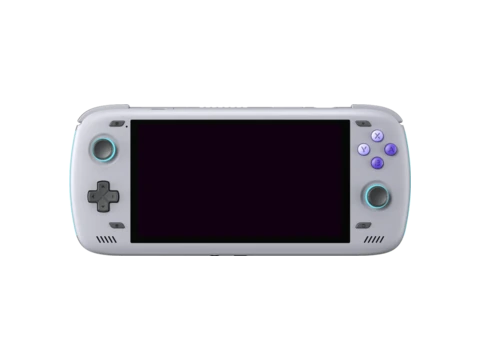
Built natively in Kotlin and Java for the Android SDK, Daijishō interfaces with the Android Activity Manager to launch games. It maintains an internal SQLite database indexing ROM filenames, hashes, and scraped artwork caches. Because it runs as a native Android home launcher, it can replace the stock Android home screen entirely, booting straight into the retro game library when the handheld powers on.
Installation & Storage Setup
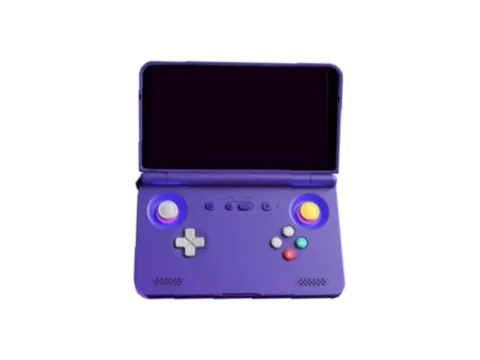
Daijishō is available via the Google Play Store or GitHub releases. Setting up a console platform requires pointing the system to a ROM directory and selecting the desired emulator player from a pre-configured dropdown list. Community wallpaper packs can be downloaded directly from the in-app theme repository.
Compatible Gaming Handhelds (32 Devices)
Gaming handhelds verified to run Daijishō or officially supported by the community: