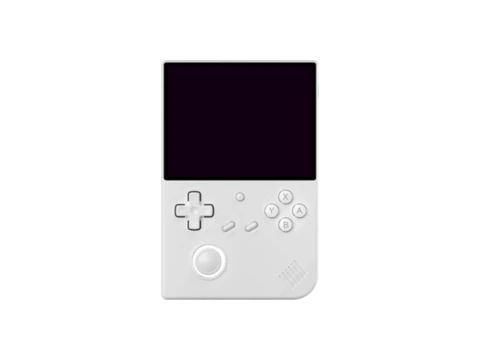
muOS — Features, Setup & Handheld Compatibility
muOS (MustardOS) exploded in popularity throughout 2024 as the community's favorite custom operating system for Anbernic's Allwinner H700-based handhelds, including the RG35XX Plus, RG35XX H, RG35XX SP (clamshell), RG28XX, RG40XX H, and RG40XX V.
Frustrated by the slow boot times, complicated scraping databases, and interface bloat of traditional frontends, the muOS team created a lean, folder-first operating system that boots in under 10 seconds. Games are launched directly from standard directory structures, making library management as simple as drag-and-drop on any computer.
Despite its minimalist philosophy, muOS delivers comprehensive power features, including full PortMaster support, custom theme engines, and rock-solid lid-close sleep functionality on the RG35XX SP.
Key Features & Capabilities
- Ultra-fast boot time (sub-10 seconds to gameplay)
- Direct directory browsing: roms load directly from standard folders without bloated XML scrapers
- Deep PortMaster support on Allwinner H700 hardware
- Advanced sleep mode and clamshell lid-close sleep for RG35XX SP
- Custom theme engine with custom sound packs, glyphs, and layout styles
- Complete core assignment flexibility per folder or per game
Default Hotkeys & Navigation Shortcuts
Standard button combinations in muOS across supported handhelds:
- Menu button: open RetroArch menu or return to muOS launcher
- Power button (quick tap): instant sleep mode; hold 2 seconds: shutdown
- Select in folder: core selector menu to override default emulator
Architecture & System Design
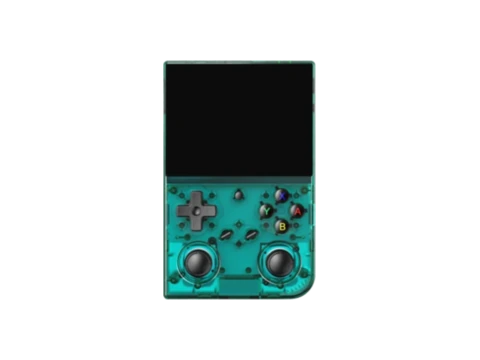
muOS is constructed around a clean ARM64 Buildroot environment utilizing a modern Linux 5.x/6.x kernel. Memory management is highly optimized, leaving over 800MB of the H700's 1GB LPDDR4 RAM free for emulator heap buffers and texture caches.
Graphics rendering leverages direct DRM/KMS interfaces and Mesa Panfrost OpenGL ES acceleration. On the RG35XX SP, muOS listens to hardware hall-effect sensor interrupts to reliably sleep the CPU and display when the clamshell lid closes, drawing minimal standby current.
Installation & Storage Setup
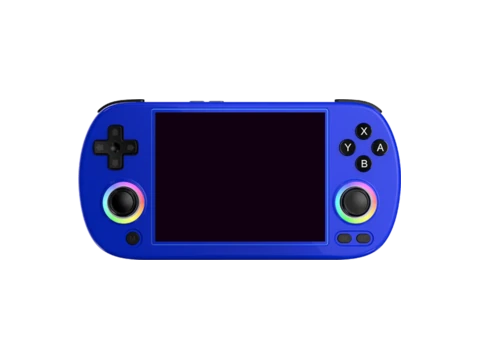
muOS supports simple flashing via Rufus or Raspberry Pi Imager. Dual-SD setups are natively recognized, with ROMs stored on TF2 under simple folder names (`/ROMS/GBA`, `/ROMS/PS`, `/ROMS/PORTS`).
Themes and custom boot logos can be dropped into the `/muos/theme` directory and previewed in real time.
Compatible Gaming Handhelds (3 Devices)
Gaming handhelds verified to run muOS or officially supported by the community: