ES-DE (EmulationStation Desktop Edition) — Features, Setup & Handheld Compatibility
EmulationStation Desktop Edition (ES-DE) is the premier, cross-platform frontend for retro gaming enthusiasts. Originating from Aloshi's iconic EmulationStation project created for the early Raspberry Pi RetroPie ecosystem, ES-DE is a complete modern rewrite maintained by Henrik Leppälahti that operates identically across Android handhelds (AYN Odin, Retroid Pocket), x86 handhelds (Steam Deck, ROG Ally), and desktop computers.
ES-DE's defining triumph is cross-platform standardization: whether on an Android tablet or a Windows gaming handheld, ES-DE reads the exact same ROM folder structure and metadata XML files, allowing users to sync their entire retro game collection between devices without re-scraping.
With support for complex responsive themes, high-framerate video preview snaps, and custom game collections, ES-DE is the definitive frontend for high-end gaming hardware.
Key Features & Capabilities
- The industry gold standard for emulation frontends across desktop and mobile platforms
- Universal cross-platform ROM directory structure: identical folder names across Android, Windows, and Linux
- Unrivaled theme ecosystem (Art Book Next, Epic Noir, Modern, Canvas, Carbon)
- Built-in multi-source media scraper (ScreenScraper, TheGamesDB) for 3D boxes, marquees, and video clips
- Comprehensive custom collections: favorites, genre sorting, last played, and custom playlists
- Dedicated Android release supporting touch controls and native gamepad navigation
Default Hotkeys & Navigation Shortcuts
Standard button combinations in ES-DE (EmulationStation Desktop Edition) across supported handhelds:
- Select button in menu: quick system jumps and game filters
- Start button: main UI settings, scraper, and theme configurations
- Gamepad triggers (L1/R1): rapid alphabetic index skipping
Architecture & System Design
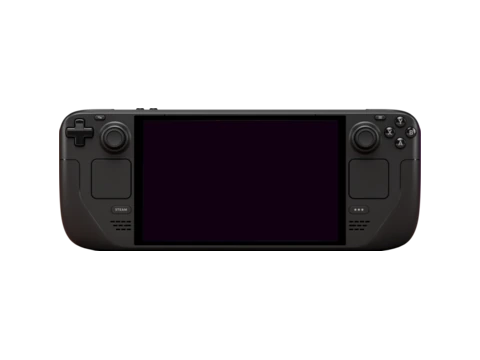
Built in C++ utilizing SDL2, OpenGL, and modern rendering libraries, ES-DE delivers buttery-smooth 60/120 FPS interface navigation even across libraries containing tens of thousands of ROMs. It delegates game launching to external emulators (RetroArch, standalone Dolphin, PCSX2, Sudachi) via standardized URI intents on Android and command-line arguments on Linux and Windows.
Installation & Storage Setup
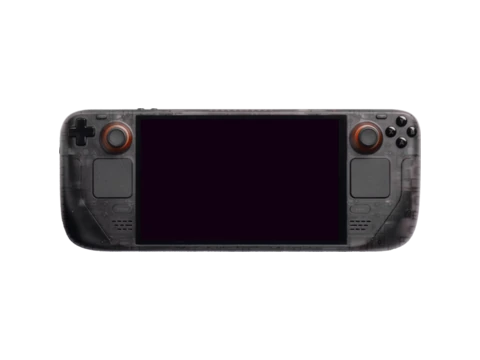
On Android, ES-DE is distributed via Patreon / Amazon Appstore and side-loadable APK. On Steam Deck, it integrates seamlessly into SteamOS Game Mode via EmuDeck. Users can point ES-DE to their SD card's `ROMs` folder and scrape full artwork suites in a single automated pass.
Compatible Gaming Handhelds (29 Devices)
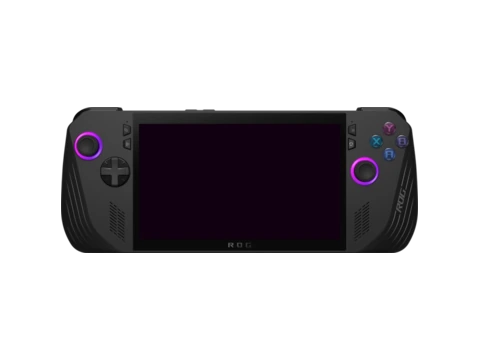
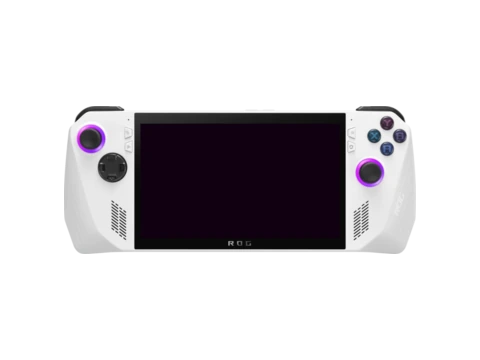
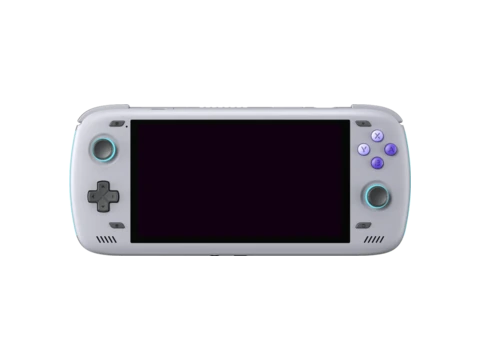
Gaming handhelds verified to run ES-DE (EmulationStation Desktop Edition) or officially supported by the community: