Knulli — Features, Setup & Handheld Compatibility
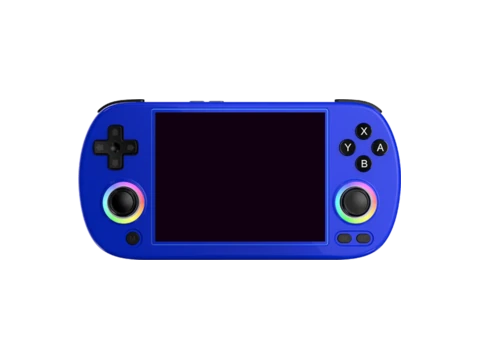
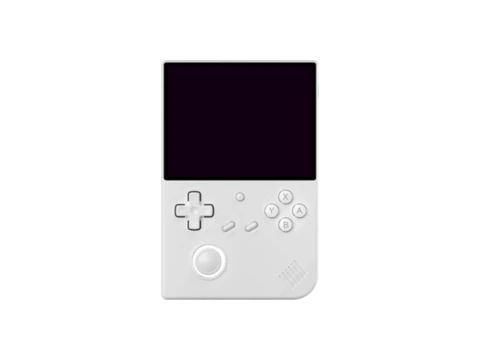
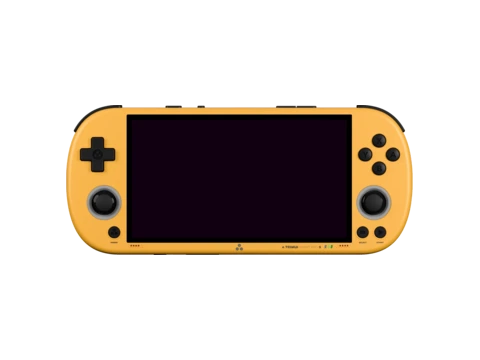
Knulli is an ambitious open-source custom firmware distribution that ports the rich, multimedia-heavy Batocera.linux operating system to budget handhelds, notably Anbernic's Allwinner H700 family (RG35XX Plus/H/SP/40XX) and the TrimUI Smart Pro.
Created as the spiritual successor to the discontinued Batocera RG35XX fork, Knulli gives budget handheld users access to the polished Batocera EmulationStation frontend, complete with full-screen video snap previews, 3D box art rendering, background game music, and automated scraping.
With native Wi-Fi, Bluetooth, Syncthing cloud saves, and HDMI-out support, Knulli turns sub-$60 consoles into miniature home entertainment systems.
Key Features & Capabilities
- Brings the full Batocera.linux ecosystem to budget handhelds
- Integrated automatic media scraper (box art, 3D boxes, video snaps, manuals)
- Vulkan and Panfrost graphics driver support out of the box
- Built-in Bluetooth audio and wireless controller pairing
- RetroAchievements with live achievement pop-ups
- Syncthing integration for cross-device cloud save synchronization
Default Hotkeys & Navigation Shortcuts
Standard button combinations in Knulli across supported handhelds:
- Hotkey + Start: exit emulator
- Hotkey + South button: open RetroArch Quick Menu
- Hotkey + D-Pad Left/Right: select save state slot
- Hotkey + West button: save state; Hotkey + North button: load state
Architecture & System Design
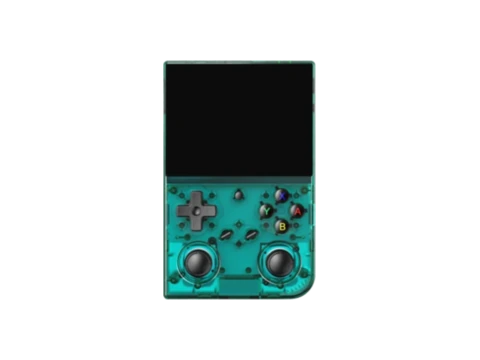
Knulli uses an immutable squashfs root filesystem with an overlayfs data partition, ensuring the system cannot be corrupted by abrupt power cuts. It incorporates the latest mainline Linux kernel branches for Allwinner and Rockchip, utilizing Mesa Panfrost for OpenGL ES 3.1 and Vulkan acceleration.
On devices with Bluetooth controllers, Knulli includes BlueZ daemon integration, allowing players to connect wireless 8BitDo or PlayStation controllers for multiplayer gaming on a TV.
Installation & Storage Setup
Flashing requires writing the raw image to an SD card. On initial boot, Knulli expands the `SHARE` partition, which can be formatted as ext4, Btrfs, or exFAT for seamless Windows compatibility.
Built-in Syncthing allows saves to sync seamlessly between a handheld and a desktop PC running Steam or RetroArch.
Compatible Gaming Handhelds (5 Devices)
Gaming handhelds verified to run Knulli or officially supported by the community: